Buyer Guide
Best POS System for Nepal Tea Shops
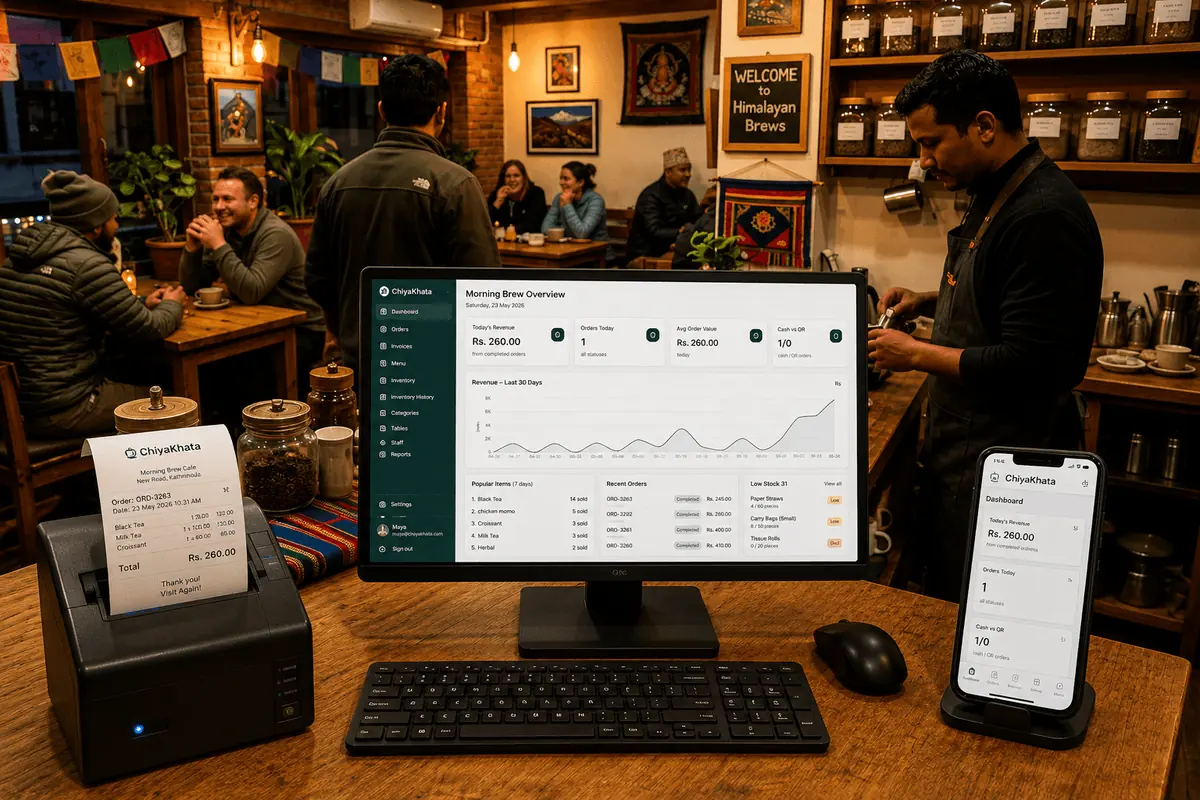
The best POS system for a tea shop in Nepal is not just the cheapest option. It should help you bill faster, keep records safely, track sales clearly, and support daily work at the counter without slowing staff down.
Quick answer
For Nepal tea shops, the best POS system is mobile-first, simple at the counter, reliable with cloud sync, and strong enough to track sales history, stock movement, staff work, and printed billing. ChiyaKhata is built for that daily chiya pasal workflow.
What tea shops should actually evaluate
Many shop owners first compare price, but price alone is a weak filter. The stronger questions are whether the software works well on mobile, whether it can retain useful business history, whether reports are understandable, and whether the system fits a real tea shop workflow. Billing speed, stock tracking, and clarity around daily payments matter much more than a long feature list that nobody uses.
For Nepal tea shops, reliability matters because operations are repetitive and high-volume. A slow or confusing interface can create queue delays. Limited data history can also make it hard to compare good weeks and weak weeks. If you want to understand which drinks sell best, how peak hours change, or whether stock loss is increasing, your POS needs to keep useful data.
Features that matter most
- Mobile-native billing for faster daily counter use
- Cloud sync for multi-device access and fewer record gaps
- 1-year data persistence so business history is not lost quickly
- 1-year sales analytics to spot trends and improve decisions
- Thermal bill printer support for digital billing at the counter
Why ChiyaKhata fits this need
ChiyaKhata is positioned as a premium tea shop POS because it focuses on operational clarity, not just basic billing. The value comes from stable daily use, synced records, long-term visibility, and business insights that can help owners control stock and understand performance over time.
Works on every device
ChiyaKhata on Desktop, Tablet & Mobile
Whether you are reviewing the day's revenue on a desktop at the end of the night, checking orders on a tablet at the counter, or billing a customer straight from your phone — ChiyaKhata works the same across all of them. No extra setup needed.
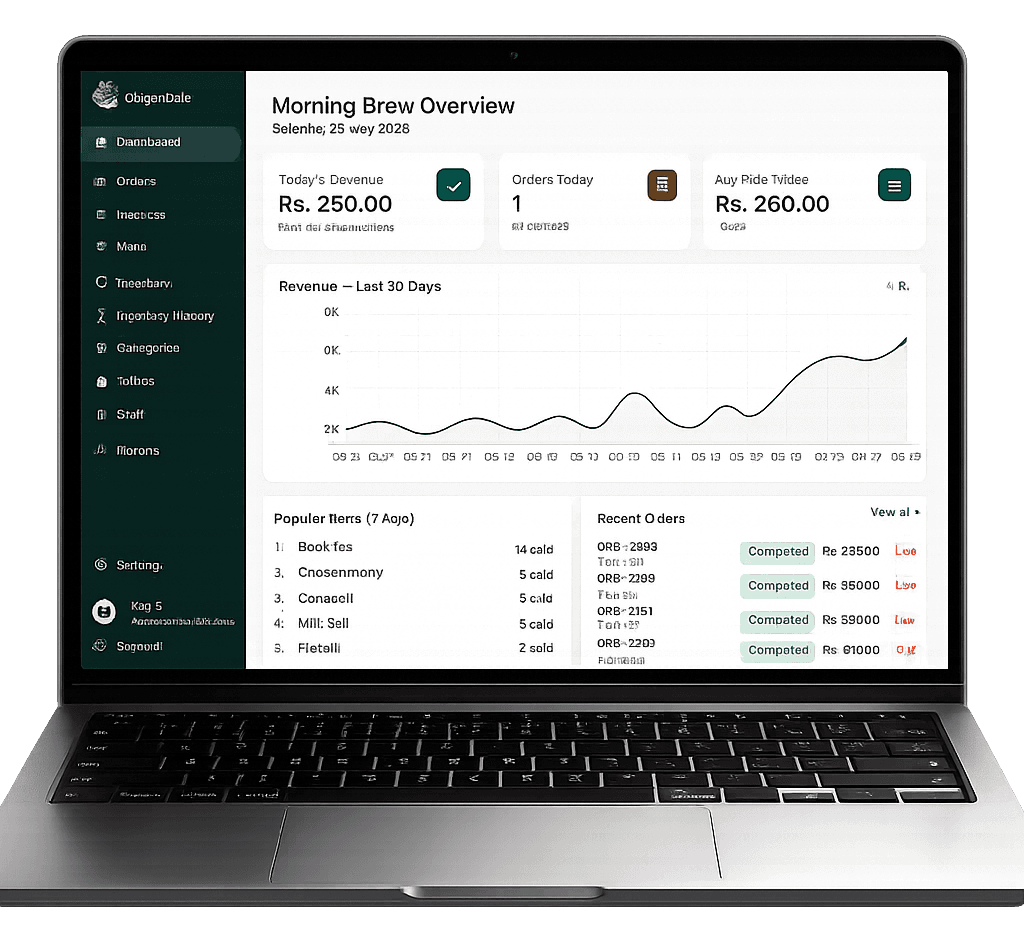
Desktop — Full analytics & reporting
Use the desktop view to review 30-day revenue trends, compare top-selling items, and check your complete order history. Best for end-of-day owner reviews.
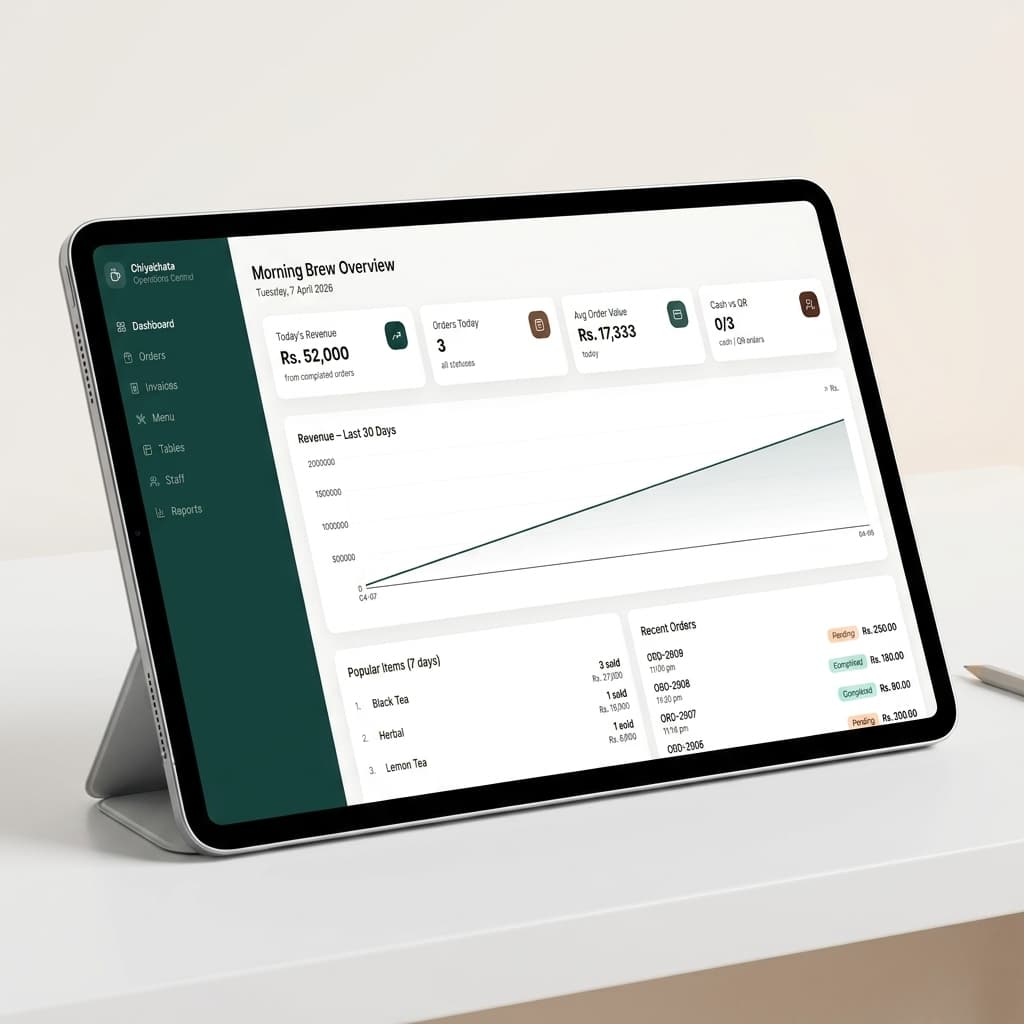
Tablet — Counter operations & orders
Mount a tablet at the counter to manage incoming orders, track active tables, and issue invoices without switching screens.
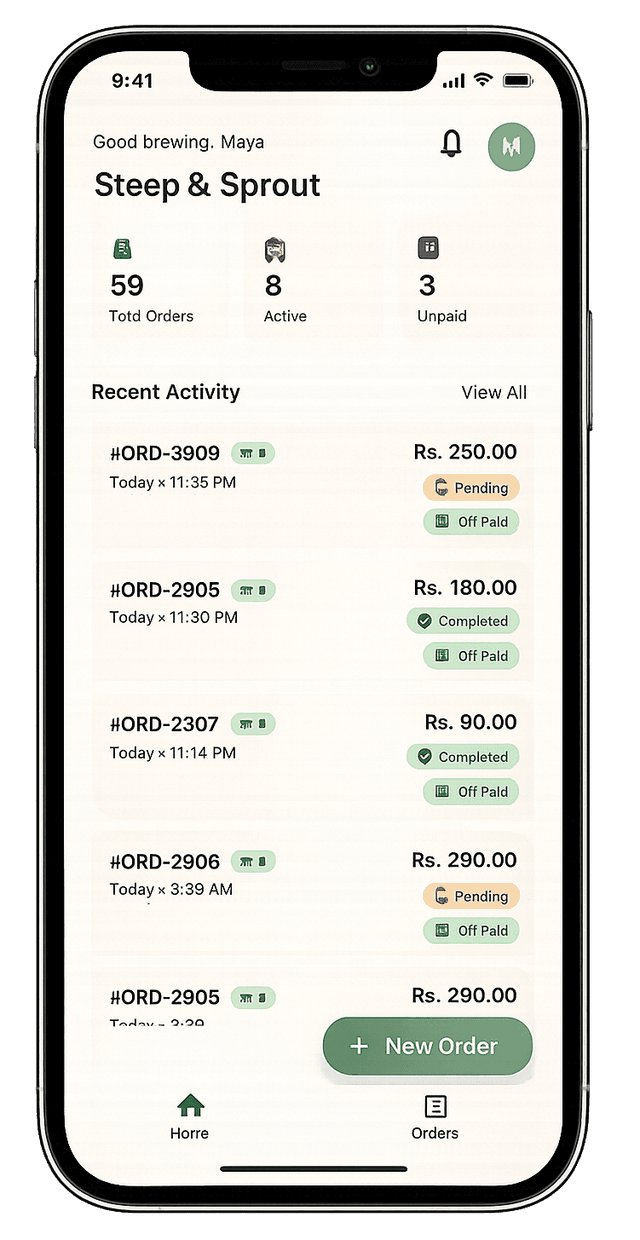
Mobile — Bill instantly, anywhere in the shop
Staff can take and complete orders table-side using a phone. Check today's revenue, active orders, and unpaid bills directly from a pocket-sized screen.
Next step
If you are evaluating software now, review the full feature set, compare the business value on the pricing page, or read the free vs paid guide before deciding.
Common questions
What is the best POS system for tea shops in Nepal?
The best POS system for Nepal tea shops is one that supports fast mobile billing, cloud sync, useful sales history, inventory tracking, reports, and thermal bill printer workflows. ChiyaKhata is built around these tea shop needs.
Why should a tea shop use POS software instead of a notebook?
POS software reduces manual calculation, keeps records cleaner, tracks sales history, and helps owners understand best-selling items and busy periods more clearly than handwritten notebooks.
Does a Nepal tea shop need thermal bill printer support?
Printer support is useful for shops that want cleaner receipts, faster counter records, and a more professional billing workflow during busy hours.